|



Start using HSBC digital banking solutions to manage your business account with ease
Dear customer,
Thank you for choosing HSBC Commercial Banking!
Your new business account is ready. Please start depositing new funds into your account to realise your business ambitions. To bank with more speed, convenience, and visibility, we encourage you to complete the following actions as soon as possible:



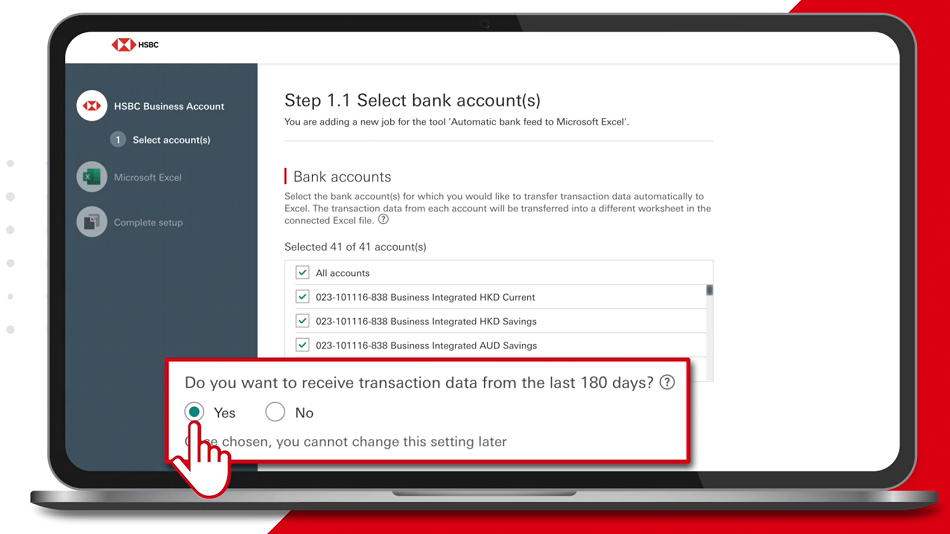
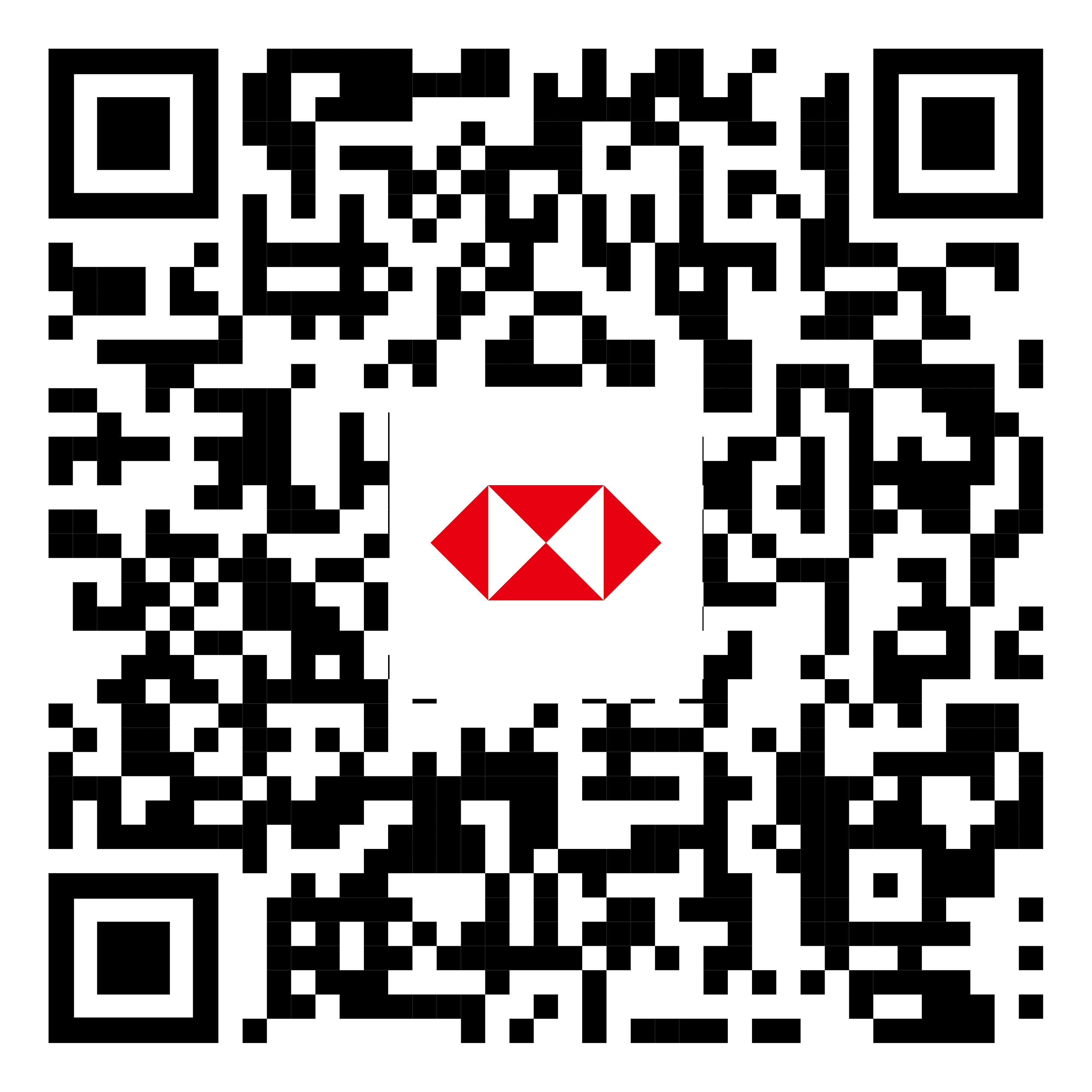

QR Code is a registered trademark of DENSO WAVE INCORPORATED

You can use “Faster Payment System”, mobile cheque deposit, or telegraphic transfer to deposit new funds to your company account. For telegraphic transfers, please share your business banking account name and number, as well as the following details with your payer:
Beneficiary Bank Name: HSBC Hong Kong
Beneficiary Bank Address: 1 Queen's Road Central, Hong Kong
SWIFT Code: HSBCHKHHHKH

Visit our “Essential guides to Digital Business Banking” page to learn how HSBC’s digital banking services makes banking easier for you. Please
You can view short ‘how-to’ videos and user guides.
Stay seamlessly connected with us
Yours sincerely,
HSBC Commercial Banking
|
|


Apple and Apple logo are registered trademarks of Apple Inc. in the U.S. and other countries. App Store is the service trademark of Apple Inc.
Google Play and the Google Play logo are trademarks of Google LLC.
SVF Licence Number: SVFB002
Should you wish to contact us, please send an email to commercialbanking@hsbc.com.hk and we will respond to you.
Note: it is important that you do not provide your account or credit card numbers, or disclose any confidential information or banking instructions in your email.
Should you prefer not to receive promotional emails from The Hongkong and Shanghai Banking Corporation Limited, please send us your request by emailing to unsubscribe@hsbc.com.hk. Please use your email address that you would like to stop receiving promotional emails when submitting the request to us. Please do not provide any of your details including your account or credit card number, or disclose any confidential information such as telephone number, other email address, etc in your email. We will arrange to have your email address excluded from our promotional email list without charge. If you wish to make any enquiry or request, please contact us by calling our Customer Service Hotline on +852 2748 8288 and please do not send your enquiry or request to unsubscribe@hsbc.com.hk.
如果你不想收取香港上海滙豐銀行有限公司的宣傳電郵,請透過你希望停止收取本行宣傳電郵之電郵地址發送電郵至 unsubscribe@hsbc.com.hk。請勿於電郵內透露戶口、信用卡號碼或其他重要個人資料,例如電話號碼、其他電郵地址等。當我們收到你的電郵,我們將會從宣傳電郵名單中刪除你的電郵地址,此項安排不另收費。如有查詢或需要其他協助,請致電客戶服務熱線 +852 2748 8288 聯絡我們,並請勿將查詢或其他需求發送電郵至 unsubscribe@hsbc.com.hk。
We maintain strict security standards and procedures to prevent unauthorised access to information about you. HSBC will never contact you by email or otherwise to ask you to validate personal information such as your user ID, password or account numbers. If you receive such a request, please call our Customer Service Hotline on +852 2748 8288.
This email is confidential. It may also be legally privileged. If you are not the addressee you may not copy, forward, disclose or use any part of it. If you have received this message in error, please delete it and all copies from your system and notify HSBC immediately by contacting our Customer Service Hotline on +852 2748 8288.
Internet communications cannot be guaranteed to be timely, secure, error or virus-free. The sender does not accept liability for any error or omissions.
The Hongkong and Shanghai Banking Corporation Limited whose registered address is 1 Queen's Road Central, Hong Kong.
© 版權所有。香港上海滙豐銀行有限公司,2026。不得轉載。
© Copyright. The Hongkong and Shanghai Banking Corporation Limited, 2026. ALL RIGHTS RESERVED.
© Copyright. The Hongkong and Shanghai Banking Corporation Limited, 2026. ALL RIGHTS RESERVED.